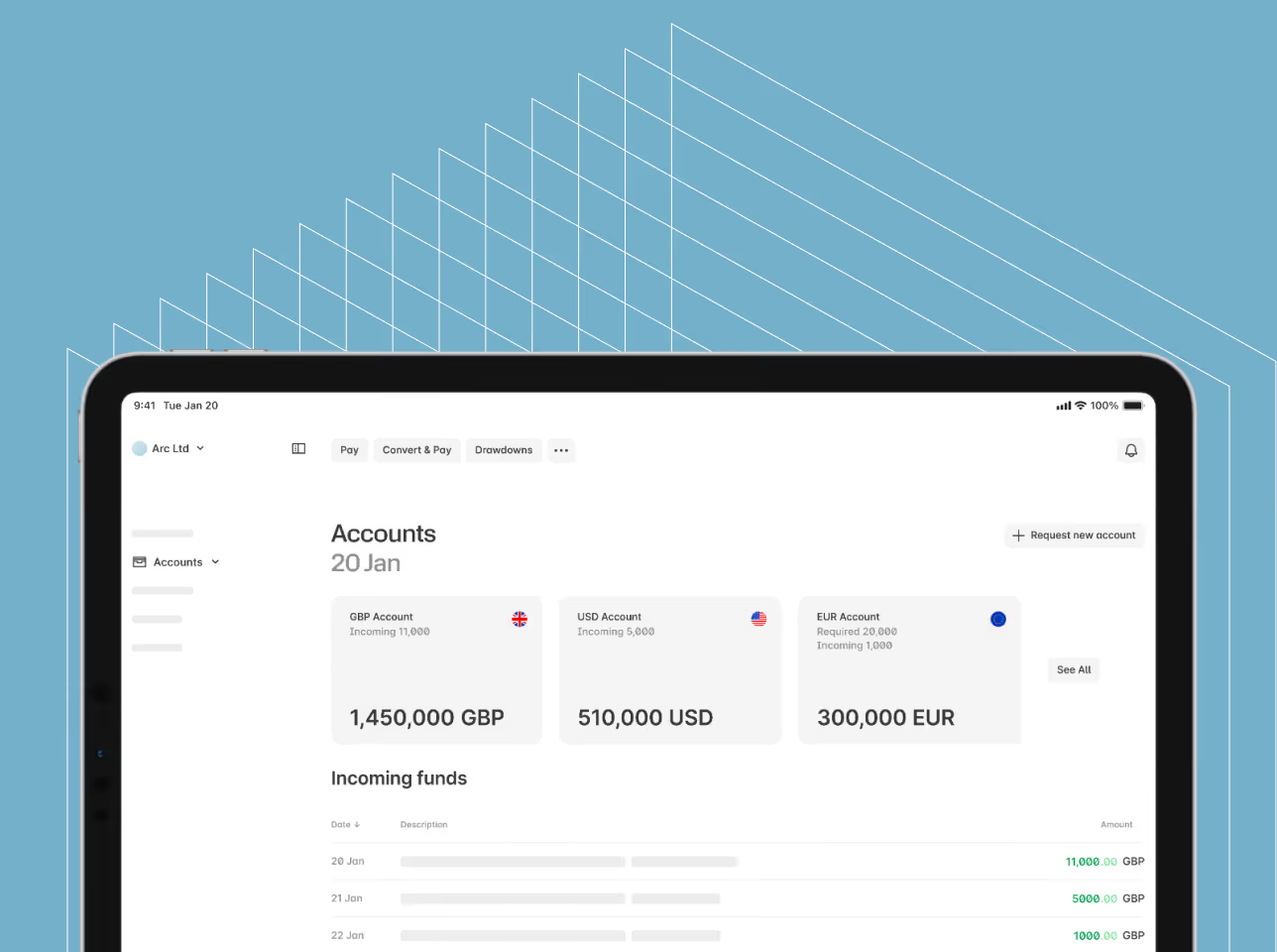
Set up international payments and track trade information through our in-house-built platform.
Fast and Efficient Currency Exchange
Buy and sell a range of currencies, including many emerging market currencies, with access to real-time exchange rates. As we develop our offering we make access to currencies even easier for businesses of any size.
24/7 Account Access
Log in to your Ebury Online account anytime, anywhere via your desktop, mobile and tablet to see the real-time status of your trades and payments.
Trade Information and Statements
Browse, sort and filter trade and payment information or easily export the information as a CSV file for further analysis and compatibility with accounting packages. You can also download account statements, trade and payment confirmations as PDFs.
Register Beneficiaries
Add your beneficiaries singularly or via the platform's multi-upload facility. You can initiate international payments individually or in bulk by uploading a simple CSV file.
Beneficiaries are notified when funds are on their way and receive payment confirmation directly.
Manage Users
The system can be effectively managed by a single person within your organisation but wider access is available for an unlimited number of users per account. Access levels, such as 'Read only' or 'Trade and payment creation', can be controlled per user, and dual authorisation functionality is available.
Security and Support
Make secure transactions through our easy-to-use platform. The Ebury Online support team is available via chat, email and phone and this, combined with the fact that our platform has been built in-house, ensures you are always speaking to an expert. Since the technology is both unique and adaptable, it also means that we can continue to expand this service to suit the growing needs of international businesses.
How to Transact Through Ebury Online
1 Confirm your trade
Log in to Ebury Online and book your spot trade.
2 Assign beneficiaries
Add any new beneficiaries or use those already on file.
3 Funds transfer
Transfer your funds to the relevant Ebury segregated client account.
4 Funds release
We will then release the funds to your beneficiary's bank account in the required currency.
5 Confirmation
Download your payment confirmation from Ebury Online.
Want access to Ebury Online?
Get in touch +44 (0) 845 519 1009
ebury.com